CRM
Leads, accounts, activities and pipeline stages you define.
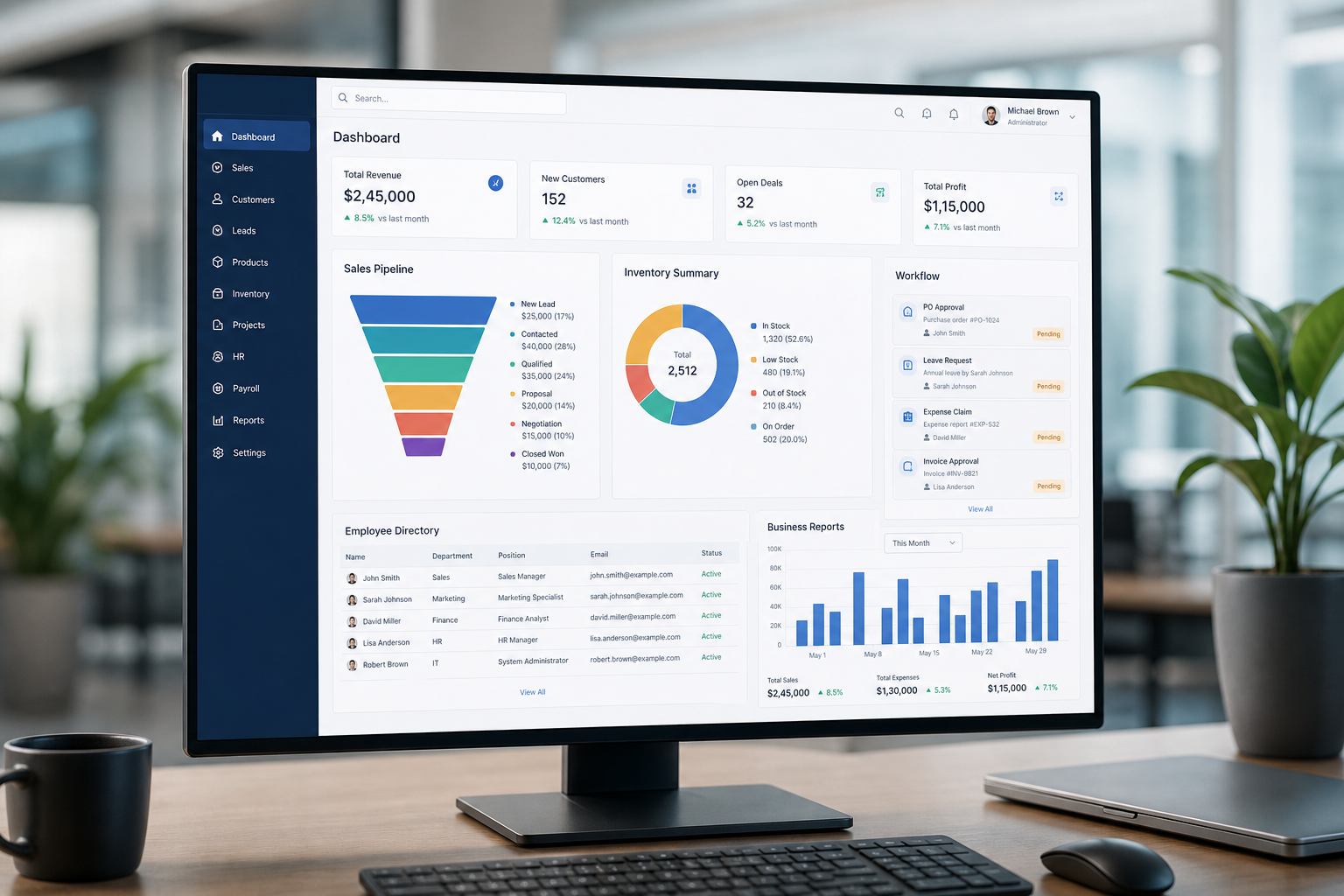
Off-the-shelf CRM is fast to open and slow to fit. We build sales, inventory, people and reporting modules around the fields and approvals your teams already use.
Scope
Start with the process that hurts most, then extend the data model.
Leads, accounts, activities and pipeline stages you define.
Inventory, orders or internal resources when they share the same records.
Assignment, follow-up and conversion without losing history.
A single customer record used by sales and operations.
Stock that matches warehouses or locations you actually have.
Basic people and role data for access and reporting.
Operational reports, not vanity charts.
Status-driven tasks and alerts.
Who may see or change each module.
A daily snapshot for managers.
How Rego Techno Solutions helps
A popular SaaS CRM is the right default until unique pricing, inventory coupling or on-premise constraints make it expensive to twist. We design pipeline, stock, people and reports as software your teams can actually keep current.
Leads, jobs, stock, invoices — the fields that already exist on paper, not a vendor's generic objects.
When a won deal must move stock or a job, that hand-off lives in the same system.
Sales should not see every cost field. Warehouse should not own the whole pipeline.
APIs or scheduled exchanges with accounting and other software, instead of a second set of books.
In the market
Zoho and Salesforce seats sit unused while the pipeline lives in chat and stock lives in Excel. We build CRM/ERP objects, roles and India-ops screens around how the team actually sells and fulfils.
Won deals that do not reserve stock create oversells. Generic CRM fields nobody fills are the usual outcome of a licence purchase. We couple the records the business already treats as true.
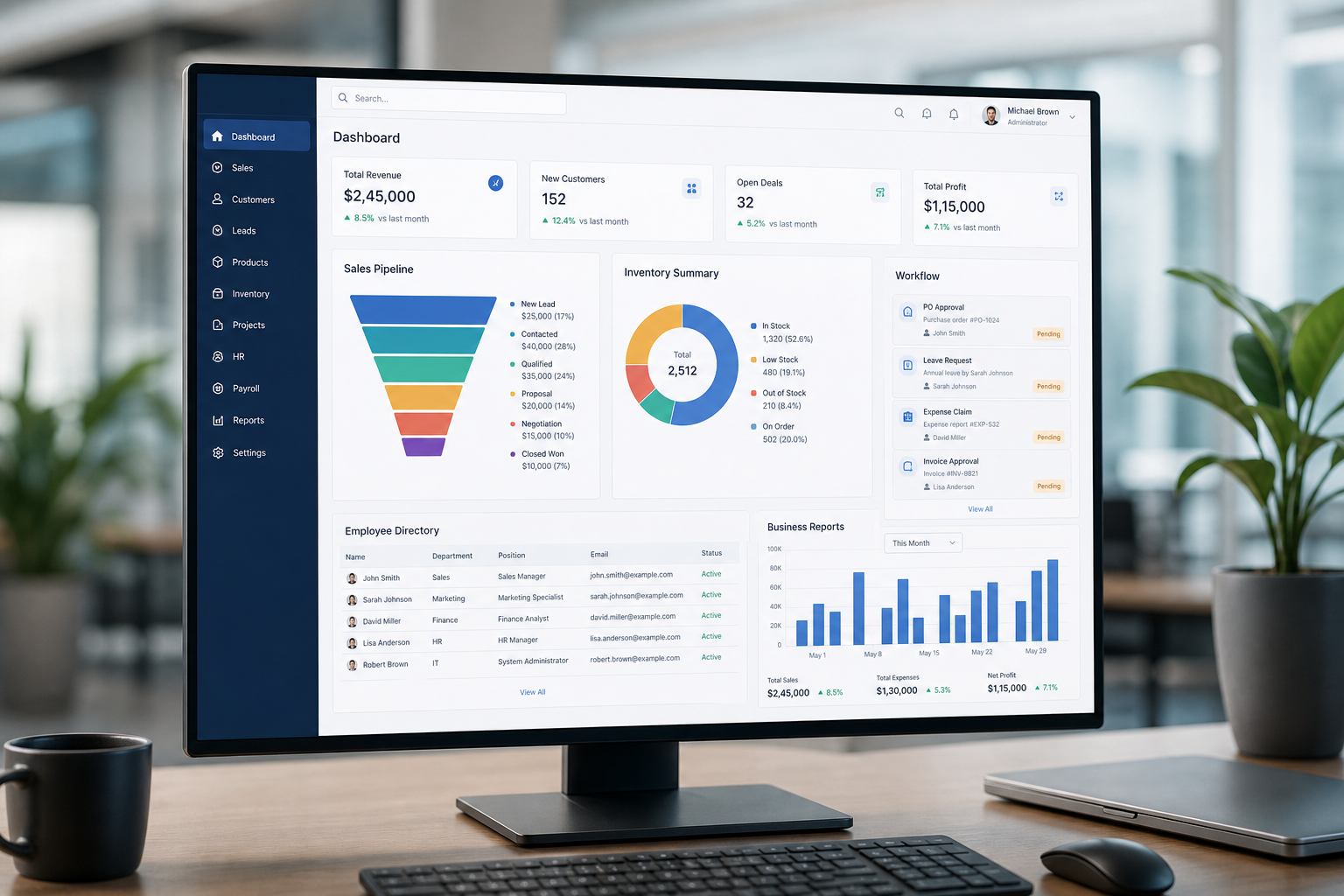
Custom only pays off if the daily job is easier than the old sheet. We design screens around those jobs and leave a path to extend them.
FAQ
Continue
Next step
Tell us about the workflow, integrations and constraints. We will help you shape a practical technical approach.
Share a few details and the team will review your requirement.